Opens the app in demo mode: no account, no AI call, your data stays in your browser.
WHAT IT DOES
What it does. Concretely.
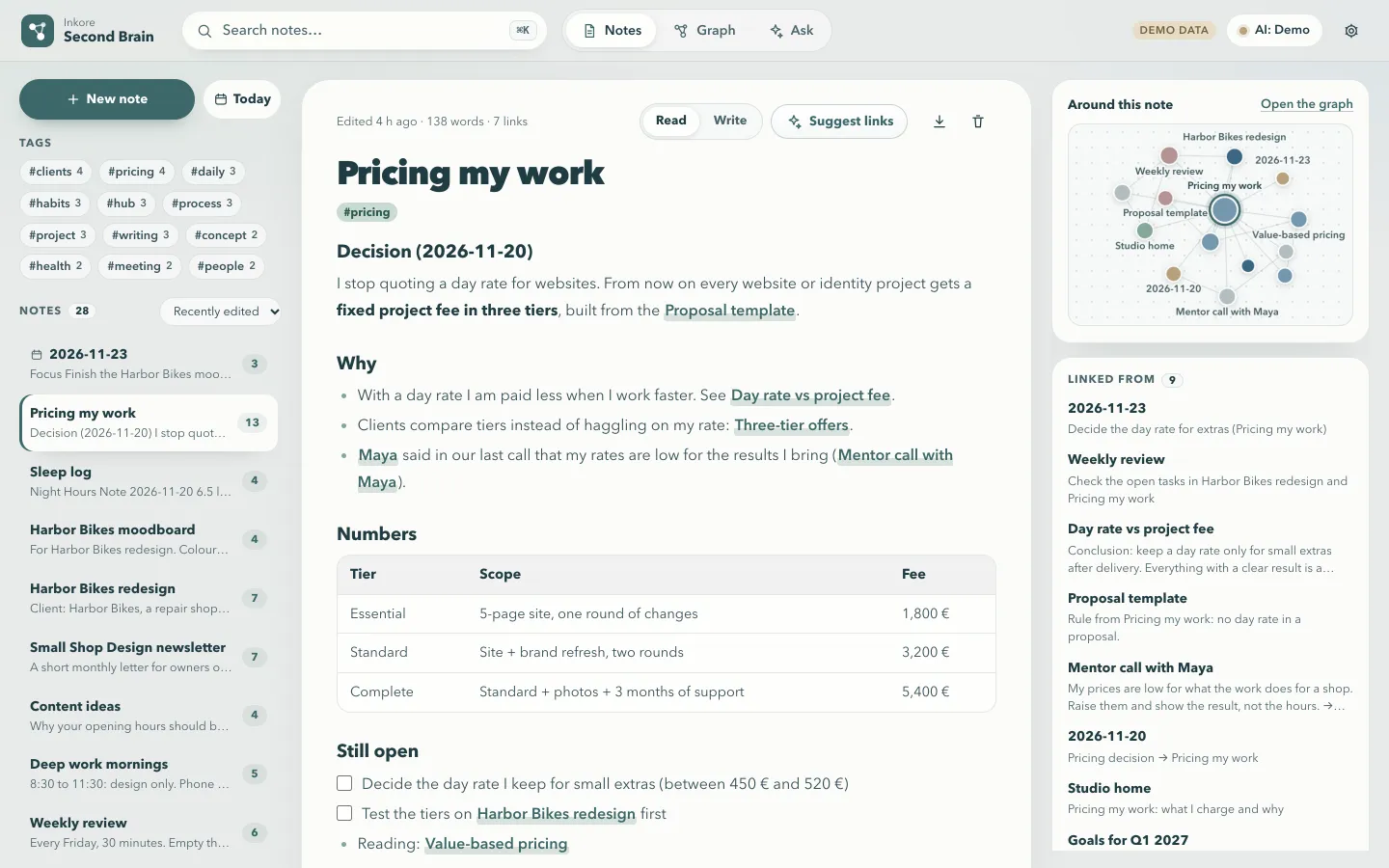
Notes in Markdown: headings, lists, checkboxes you can tick in Read mode, tables, quotes.
Link notes with [[double brackets]] and add #tags. Typing [[ suggests your existing notes; clicking a link to a note not written yet creates it.
Linked from: for every note, the notes that link to it, with the line where they do, and the notes that mention its title without a link (one click links them).
Search every word of every note, accents ignored, with #tag filters.
A daily note for today in one click.
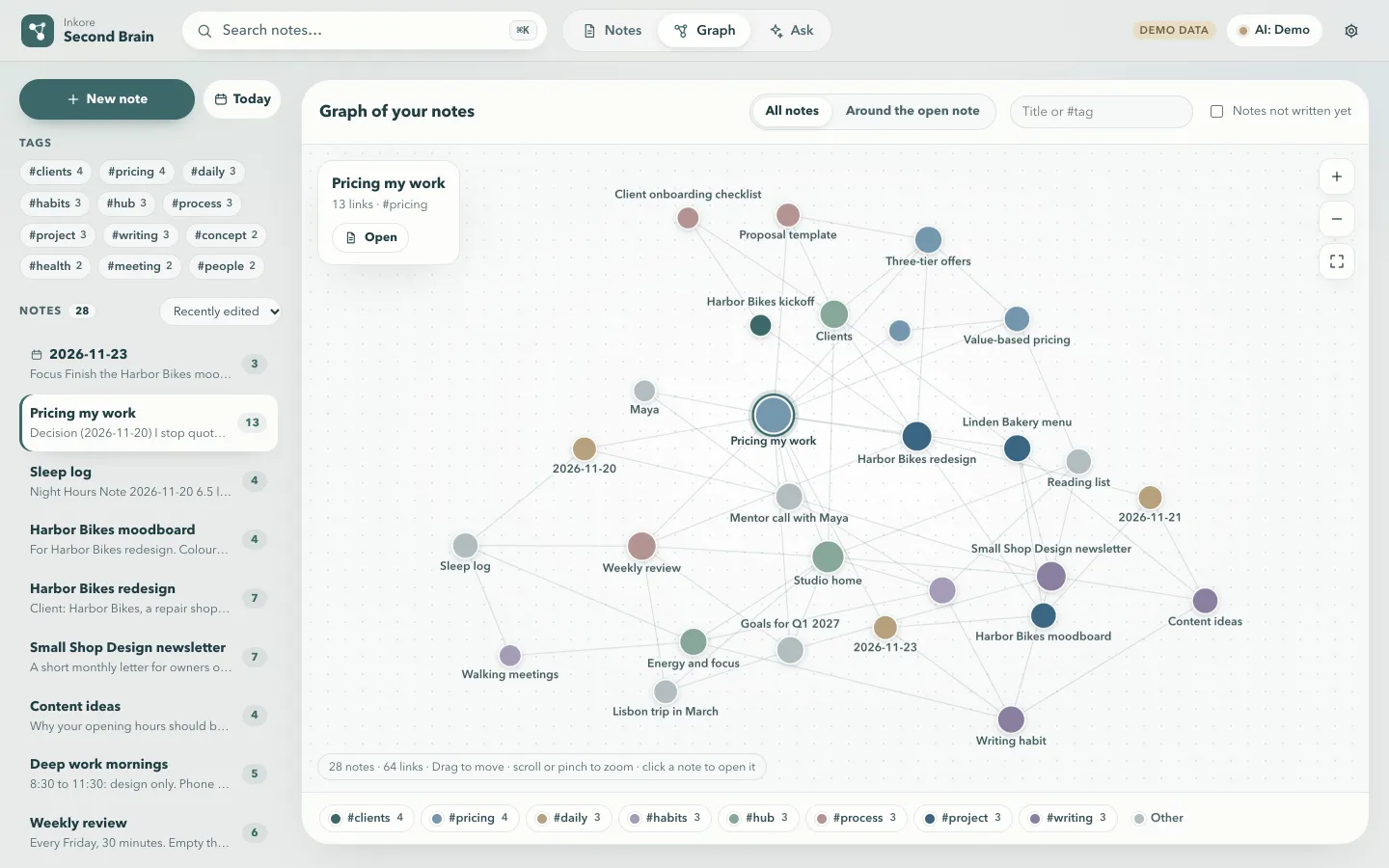
A graph of all your notes: each note a dot sized by its links and coloured by tag. Drag, zoom, click to open, or show only the notes around the open one.
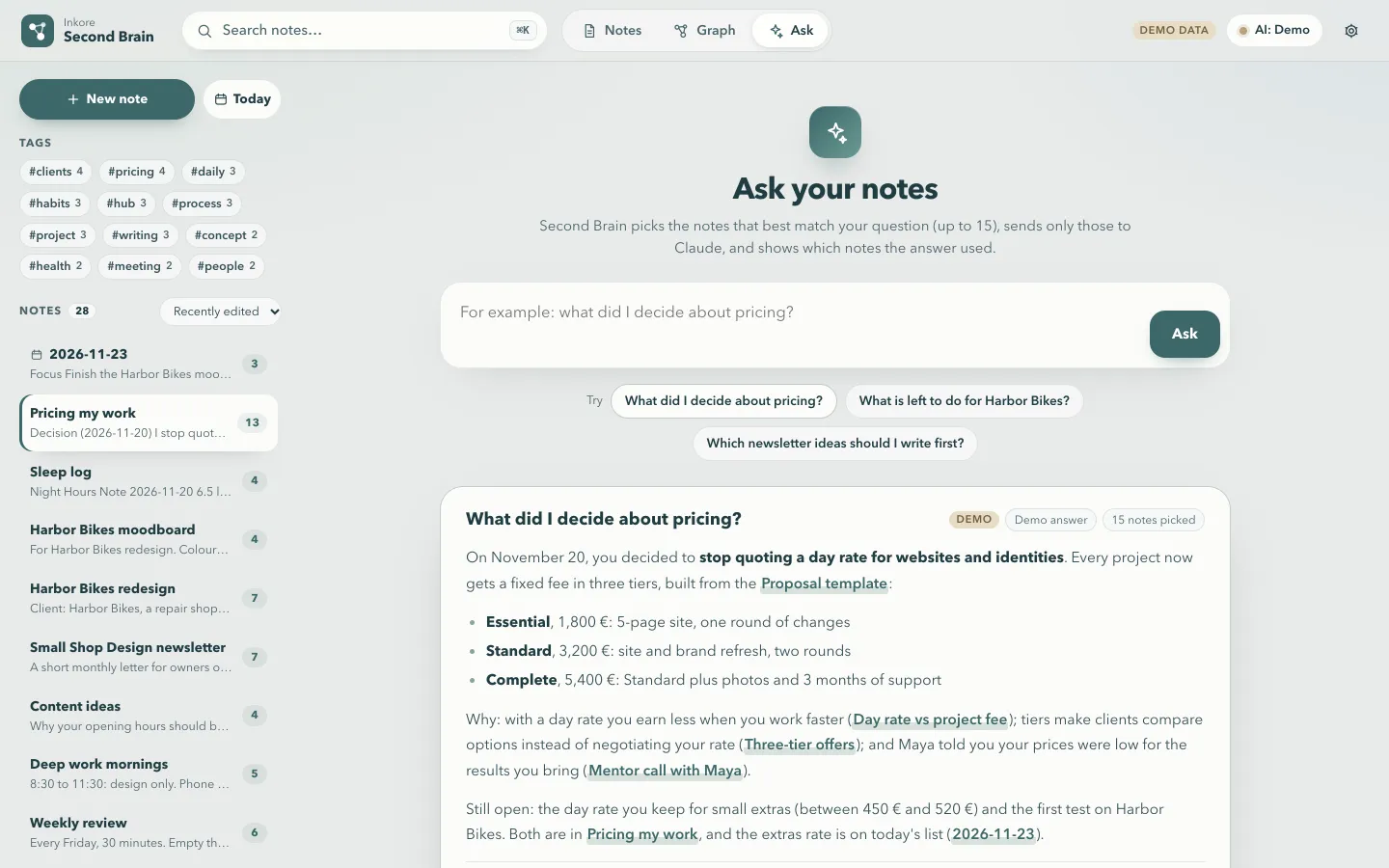
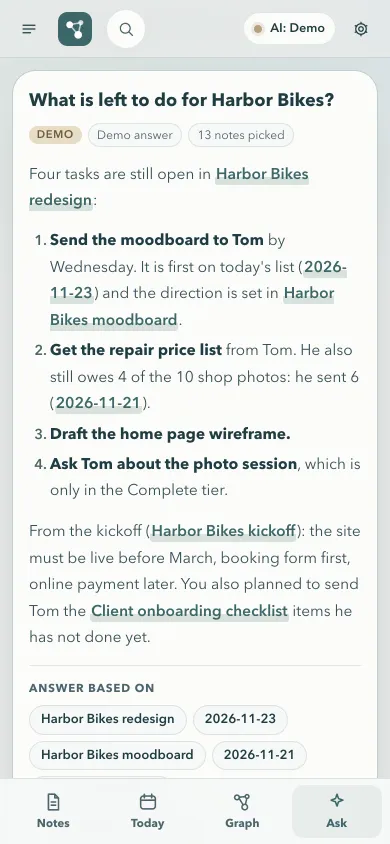
Ask your notes: Second Brain picks the notes that best match your question (keyword score, plus the notes they link to), sends at most 15 of them to Claude, and shows the answer with the titles of the notes it used. Save any answer as a new note.
Suggest links: Claude proposes up to 5 existing notes the open note should link to, each with a reason; one click adds the link. In Demo mode, the app shows the notes that share tags and words instead.
Import .md files (several at once, Obsidian notes included; a note's title is its file name, and images or attachments are not imported), export all notes as a .zip of .md files, and export or import everything as a .json file.
Nothing is lost silently: deleted notes can be restored (the last 200), and replacing your notes first keeps a saved copy you can bring back. When the browser has no room left for that copy, nothing is replaced until you export your notes.
English and French. Works on a computer and on a phone screen.
SCREENS
The app in demo mode. With its demo data.
Screenshots taken in demo mode: names, figures and companies are invented demo data.
THE ONLINE APP
Use it online. AI included.
Monthly subscription
Online app
€12 incl. VATper month
AI included each month100 AI requests a month (questions to your notes or link suggestions)
With the subscription
The same app online on inkore.io, nothing to install.
AI included within a monthly limit: Ask your notes and Suggest links, paid by Inkore.
Your notes stay in your browser; export them as .md or .json whenever you want.
Also works with your own Claude key (Settings → Your Claude key).
Right after your Revolut payment, your Inkore code appears on screen and arrives by email. The subscription renews every month; cancel online at any time, and access stays open until the end of the paid month.
Who pays for the AI
With the online subscription, Inkore pays the app's AI within the monthly limit of your plan. Demo mode works with no key at all. You can also use your own Anthropic API key (Settings → Your Claude key), created at console.anthropic.com with prepaid credits: you pay Anthropic only for what you use. Anthropic bills API use separately from any Claude Pro or Max subscription, so a Claude subscription does not pay for it.
In your browser's local storage, on your device. There is no Inkore account and no copy on a server. Export them as a .zip of .md files or as a .json file to keep a backup or move them to another browser. On Safari and on iPhone, the browser may erase a site's data if you do not open it for 7 days of browsing: export regularly, or add the app to your home screen.
What is sent to Claude?
Only when you use AI: for a question, the notes picked for it (at most 15); for link suggestions, the open note plus the titles and first words of your other notes. With your own key they go to Anthropic; with the subscription they go through Inkore.
Can I bring my Obsidian notes?
Yes. Import your .md files (several at once). [[Links]] and #tags work the same way, and a note's title is its file name. Images and attachments are not imported: an embed such as ![[photo.png]] shows as its file name.
Does it work without internet?
You need a connection to open the app on inkore.io and to use the AI features. Your notes are stored in your browser, not on a server.
Which Claude model does it use?
With your own key you choose Claude Opus 5.5 (default), Sonnet 5.5 or Haiku 5.5 in Settings.
I have hundreds of notes. Does Ask still work?
Yes. Second Brain first ranks all your notes by the words of your question and sends only the best 15, so the question stays fast and its cost stays small. The answer lists the notes that were sent.
PRIVACY
Your data
No analytics, no tracking, no external fonts. Notes are kept in your browser only. Nothing leaves your device unless you use AI, and then only the notes picked for that request. Your API key stays in your browser and is sent only to Anthropic; Anthropic's official library ships with the app, nothing is downloaded from anywhere else.
SOMETHING IN MIND?
Write to Inkore
An app to have built, a question about one of ours, access to a preview? A few lines are enough to set the context.